

Our Verdict
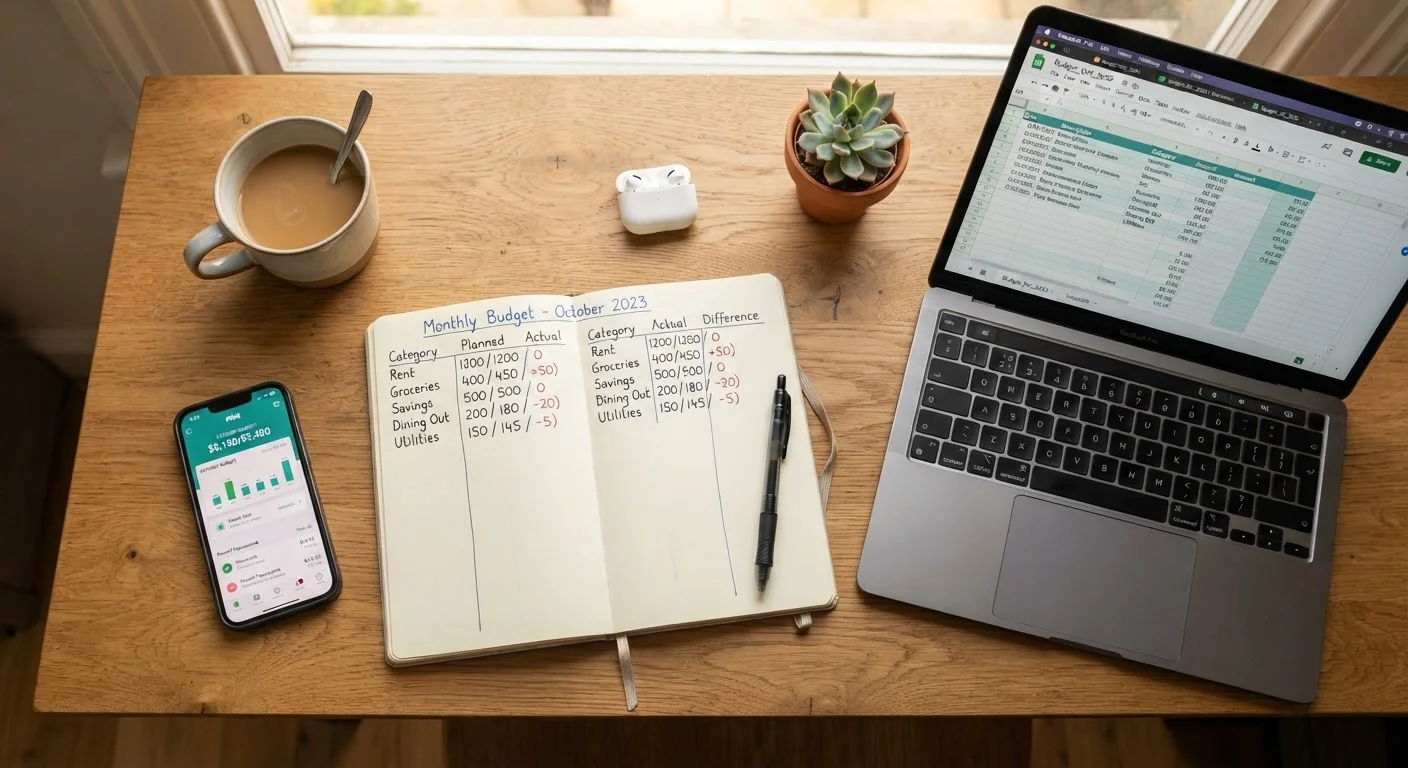
Spreadsheets suit analytically minded people who want full control over their data without relying on external platforms. Apps work well for those who value automation and spend heavily across digital payment channels. Pen and paper remains a powerful tool for building awareness, especially for beginners or anyone who finds screens distracting. The best tracker is the one you'll actually use consistently.
| Best for | Recommended |
|---|---|
| Those who want full customization and own their data | Spreadsheet |
| Busy people who want automated transaction syncing | Budgeting App |
| Beginners building spending awareness from scratch | Pen and Paper |
| People concerned about sharing bank credentials with third parties | Spreadsheet or Pen and Paper |
Why the Method You Choose Actually Matters
Tracking your spending is one of the most reliable ways to understand where your money actually goes - not where you think it goes. But the method you use shapes how likely you are to stick with it, how much insight you gain, and what friction you face along the way.
Most people try a tool, abandon it within a few weeks, and blame themselves for lacking discipline. Often, the real problem is a mismatch between the tool and how that person naturally thinks and organizes information. This comparison is designed to help you identify which approach fits your habits - not just which one sounds the most sophisticated.
If you're starting from scratch and haven't built a budget yet, it helps to first understand what you're tracking toward. See our step-by-step budget guide for a foundational walkthrough before diving into the tracking tools themselves.
Spreadsheets: Flexible but Hands-On
A spreadsheet - whether in Google Sheets, Microsoft Excel, or a similar program - gives you a blank canvas. You define the categories, set the formulas, and decide how the data is organized. That flexibility is a genuine advantage for people who have specific budgeting needs or who want their tracker to mirror a particular system like zero-based budgeting.
The trade-off is upkeep. Every transaction must be entered manually, which takes discipline but also builds awareness. Spreadsheets don't connect to your bank account, so there's no automatic data pull - that's either a feature or a flaw depending on your privacy preferences.
For category ideas to plug into your spreadsheet, our guide on spending categories every budget should include is a useful reference.
| Spreadsheet | Budgeting App | Pen and Paper | |
|---|---|---|---|
| Setup effort | Moderate - build or adapt a template | Low - account linking takes minutes | Very low - grab a notebook and start |
| Data entry | Manual, every transaction | Mostly automatic via bank sync | Manual, every transaction |
| Customization | Very high - fully user-defined | Moderate - within app's structure | Total - you design the format |
| Privacy / data sharing | No third-party access required | Requires bank credential sharing | Completely private, no digital data |
| Trend analysis | Strong with formulas and charts | Built-in, automatic | Requires manual calculation |
| Best for | Detail-oriented, data-comfortable users | Busy users with digital spending habits | Beginners or low-transaction budgeters |
Budgeting Apps: Convenient but with Trade-Offs
Budgeting apps can connect directly to your bank and credit card accounts, automatically categorizing transactions as they occur. For people with complex financial lives - multiple accounts, frequent card use, variable income - this automation significantly reduces friction.
The concern most worth weighing: these apps require you to share your banking credentials or account-linking permissions with a third-party service. Reputable apps use bank-level encryption, but the security posture of any third-party platform is never identical to your bank's own systems. Understanding that trade-off is important before opting in.
Apps also vary widely in how they categorize spending. Automatic categories are often imperfect and require manual correction. Still, for readers who already use digital payments for nearly everything, an app can dramatically lower the barrier to consistent tracking.
Test an App Before Connecting Accounts
Many budgeting apps allow you to enter transactions manually without linking a bank account. Try this mode for two to four weeks before deciding whether to grant account access. It lets you evaluate the app's interface and usefulness with zero privacy risk, so the decision to connect your accounts - if you make it - is an informed one.
Pen and Paper: Low-Tech, High Awareness
Writing down each purchase by hand is the oldest method and, for many people, the most psychologically effective one. Research in behavioral economics consistently shows that friction - the small amount of effort required to log something - increases conscious decision-making around spending. When you have to write down a $6 coffee, you notice it in a way that a digital auto-sync never replicates.
The obvious limitations are scalability and analysis. A notebook doesn't calculate totals or flag trends automatically. For someone with a complicated financial picture or a large number of monthly transactions, hand-logging everything becomes impractical. But for someone just starting out or trying to recalibrate spending behavior, a simple notebook can outperform a feature-rich app that never gets opened.
Whichever tool you use, pairing it with a clear monthly review process sharpens its value. The monthly budget setup checklist offers a structured way to build that review habit.
Making the Right Choice for Your Situation
The goal isn't to find the most impressive tool - it's to find the one that fits your actual routine. A few questions can help narrow it down:
- How many transactions do you make per month? High-volume spenders benefit from app automation. Low-volume spenders can manage well with manual methods.
- Are you comfortable sharing bank access with an app? If not, spreadsheets and paper are equally effective without that requirement.
- Do you prefer analyzing data visually? Spreadsheets and apps offer charts and summaries. Notebooks require manual tallying.
- Have you tried tracking before and quit? Consider switching methods rather than blaming consistency - the friction of the tool may have been the problem.
Tracking alone doesn't change spending behavior - reviewing and responding to what the data shows does. For a broader look at how spending decisions involve real trade-offs, see trade-offs every thoughtful spender should understand.
This article is for general informational purposes only and does not constitute personalized financial advice. Consider consulting a qualified financial professional for guidance specific to your circumstances.
The content on this site is for informational purposes only and is not a substitute for professional advice. Always consult a qualified professional for guidance specific to your situation.